Lottery Monitor Manual
This tutorial is applicable to Jingle Miner Lottery Monitor Configuration guide.
Manual directory
1. Product Introduction
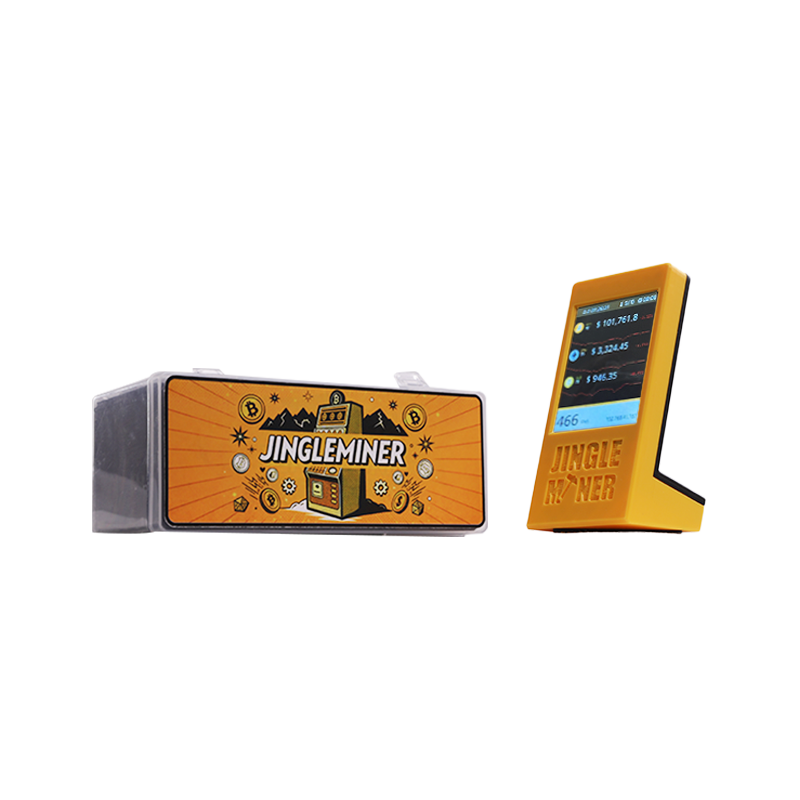
The Solo Lottery Monitor includes:
BTC Solo Lottery Monitor x1
Quick Guide x1
Type-C Power jack x1
USB-C Cable x1
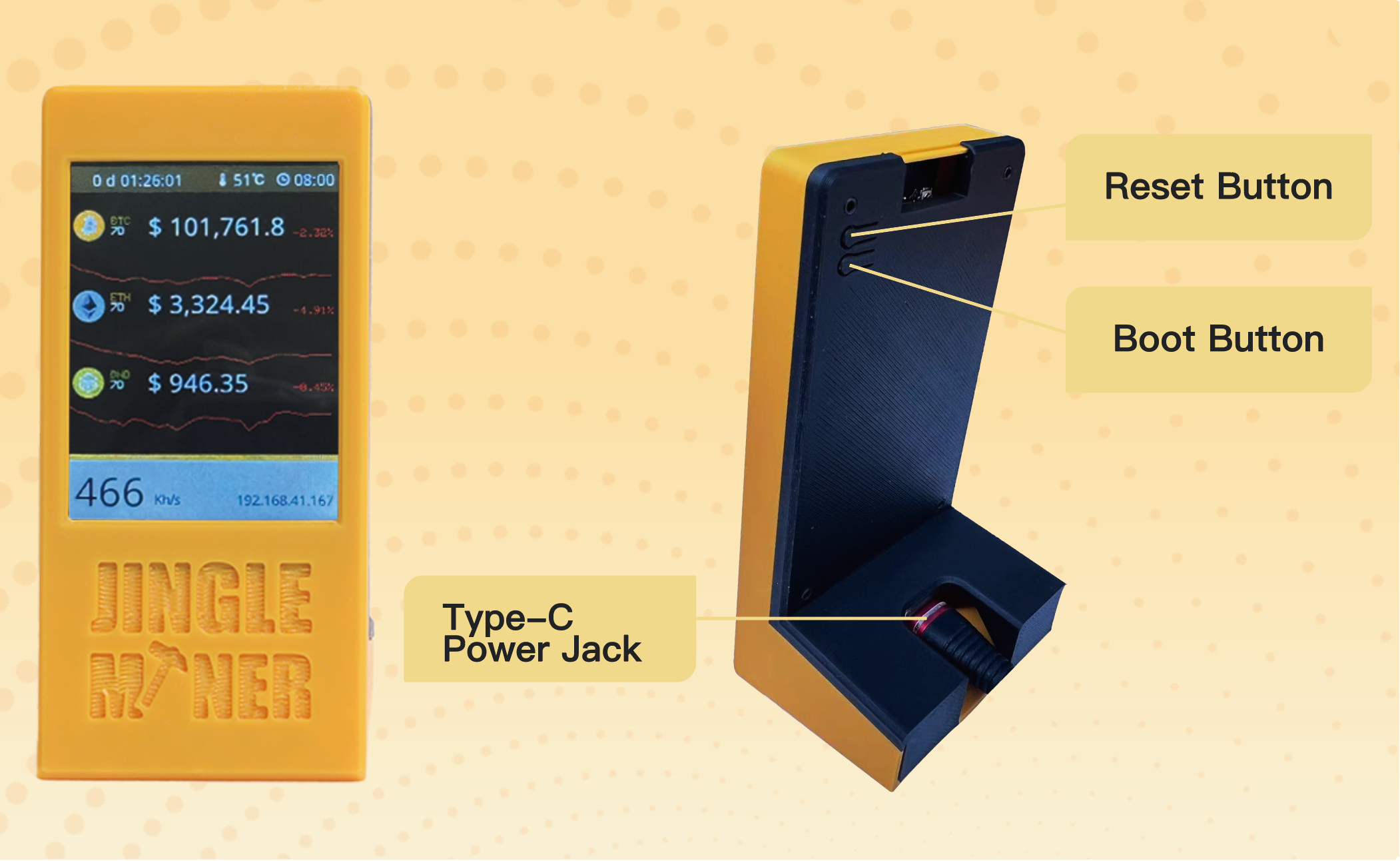
Boot Button & Reset Button Functions
2. Check the Miner
Before using the miner, please have an initial inspection with the miner:
Check whether the appearance of the package or the miner is deformed or damaged.
Check whether there is any abnormal noise in the miner.
If any of the above abnormalities are found, please take photos or videos first and contact the after-sales service by email: [email protected]
*Important: Do NOT try to dismantle the miner by yourself. Unauthorized disassembly will result in the warranty being voided.
3. Usage Precautions
Before starting the miner:
Important Notes:
4. Initial Setup
First-Time Configuration
1. Automatic WiFi Connection: Upon power-on, the device attempts to connect to the previously configured WiFi network. If connection fails after 15 seconds, it automatically enters configuration mode.
2. Access Point Setup: Search for the free access point named JingleMiner (no password required).
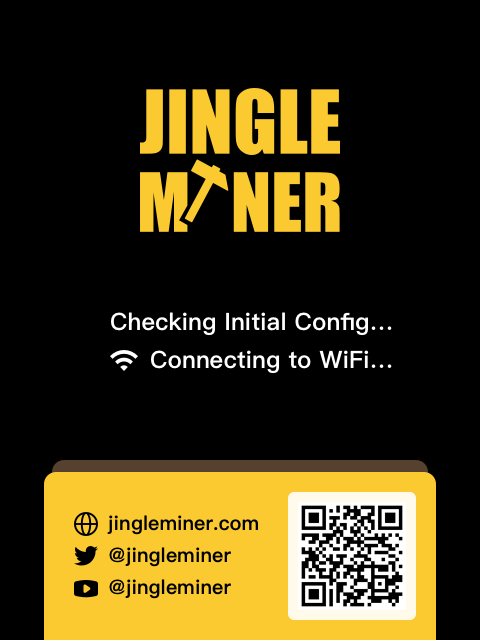
3. Configuration Interface:
Click "Configure WIFI"
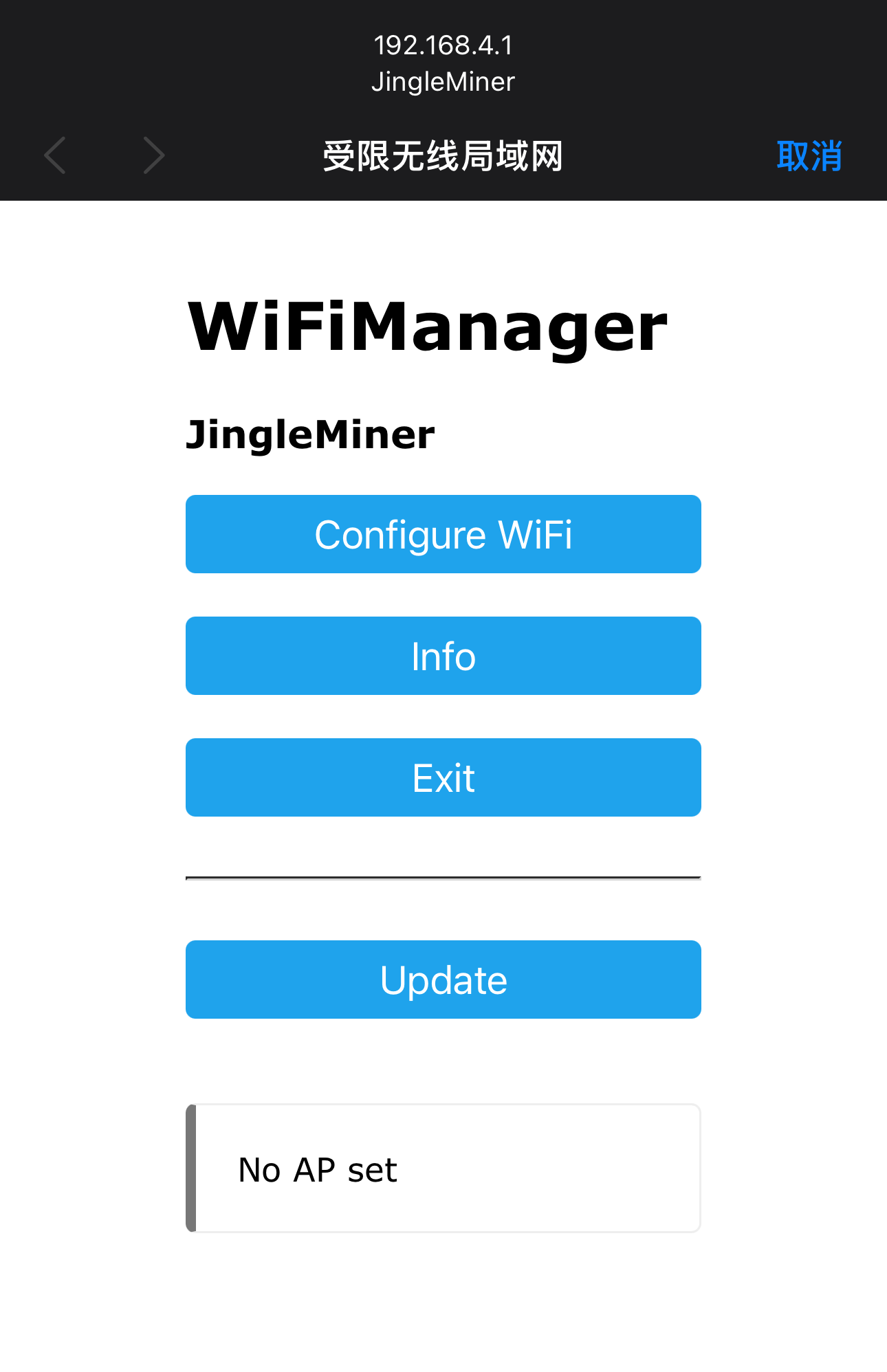
Parameter Configuration: Configure your mining parameters after select your home WIFI by following the on-screen instructions.
*Note: The device can only connect to a 2.4 GHz Wi-Fi network, not a 5 GHz one.
SSID: Your Wi-Fi name
Password: Fill Wi-Fi password
Pool url: Put mining pool url
Pool Port: Put pool port
Due to limited on-chip resources, some high-difficulty mining pools may reject connections from ESP32-based miners. The following pools support low-difficulty stratum connections suitable for this hardware:
Low Difficulty Solo Pool
| Pool url | Port | Web URL |
|---|---|---|
| pool.axeminer.com | 7777 | https://axeminer.com |
| pool.solomining.de | 3333 | https://poolsolomining.de/ |
| pool.sethforprivacy.com | 3333 | https://pool.sethforprivacy.com/ |
BCH Solo Pool
| Pool url | Port | Web URL |
|---|---|---|
| miningstore.cl | 4444 | http://pool.miningstore.cl/ |
*Note: Mining Bitcoin with this address serves the same purpose as your bank account number. It is a string of letters and numbers, usually starting with "1", "3", or "bc1".
After setting your timezone, the clock will be updated in the top-right corner of the screen.
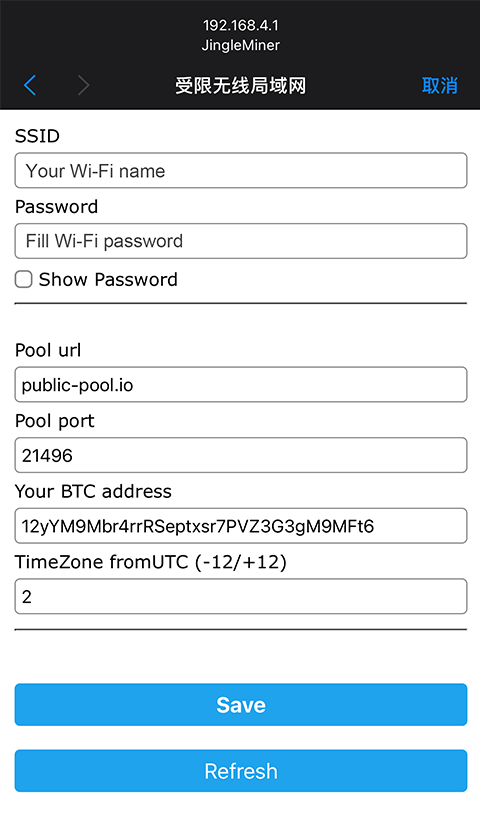
Click "Save", Your lottery Monitor is ready to mine
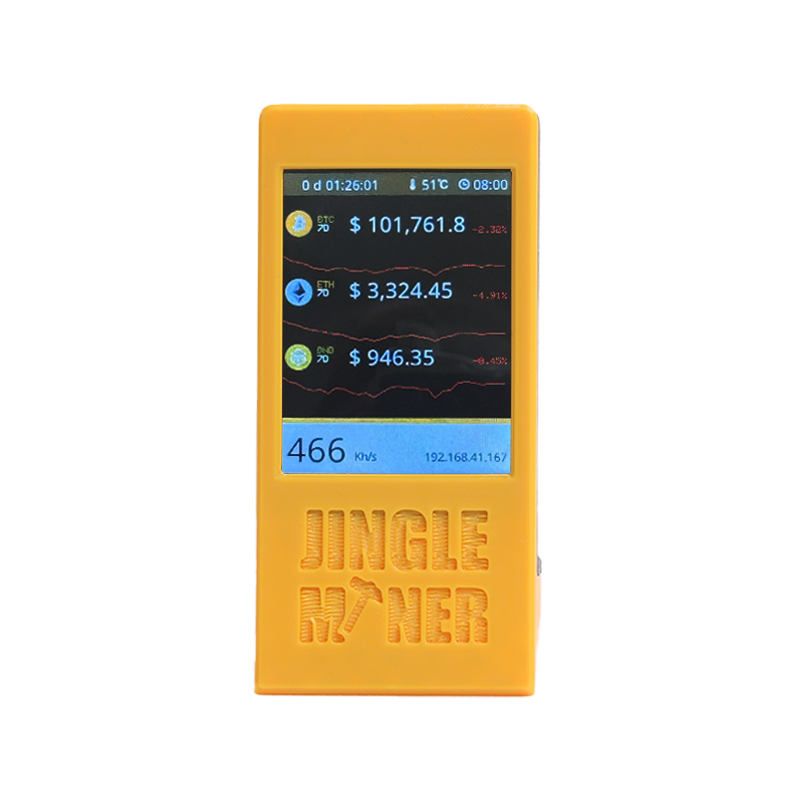
Coin list Configuration:
After the JingleMiner successfully connects to Wi-Fi, its IP address will be displayed in the bottom-right corner of the device's main screen.
1. On your phone or computer, open any web browser.
2. Enter the JingleMiner's IP address into the address bar and press Enter.
3. This will open the web-based management dashboard.
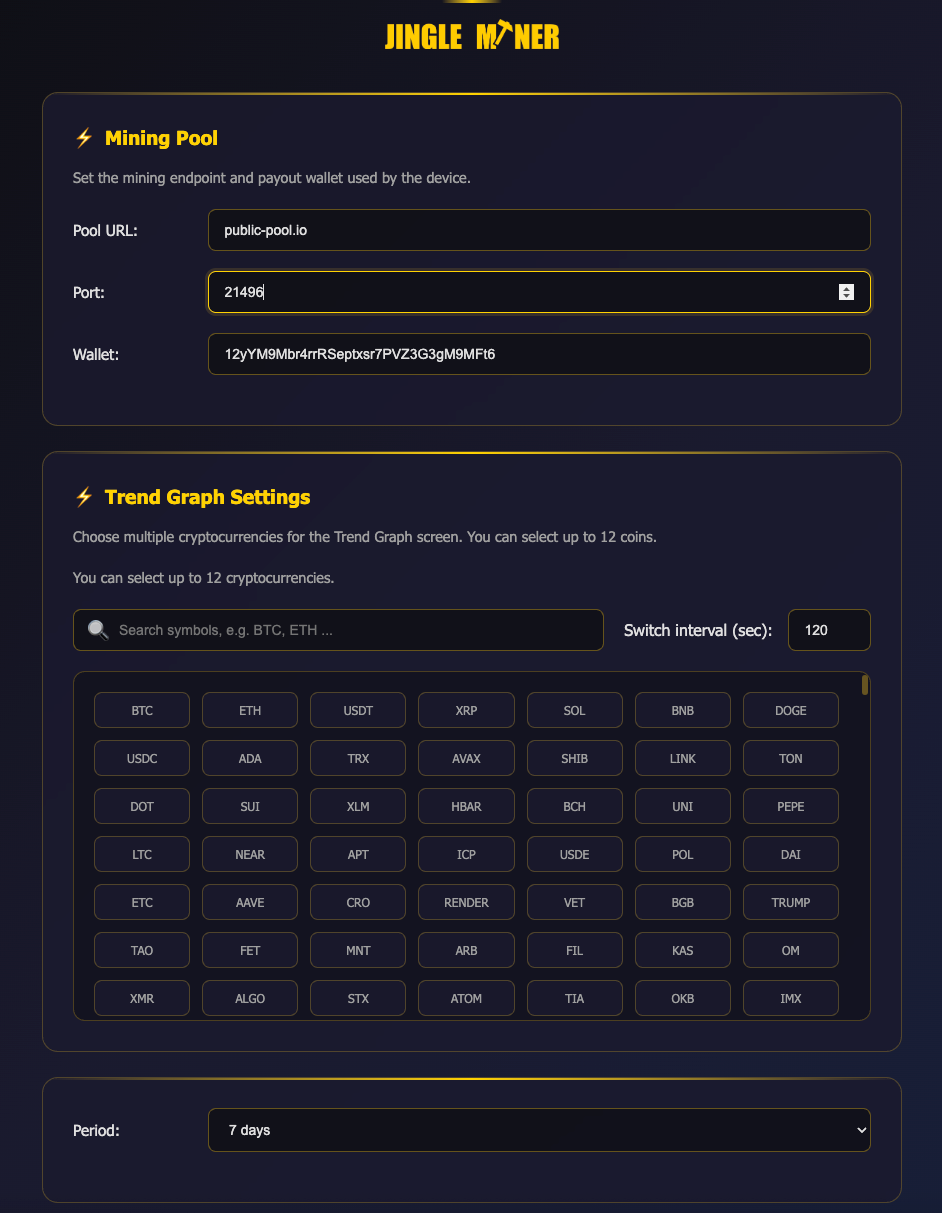
4. In the dashboard, you can customize your preferred cryptocurrency list and set the desired coin chart time period.